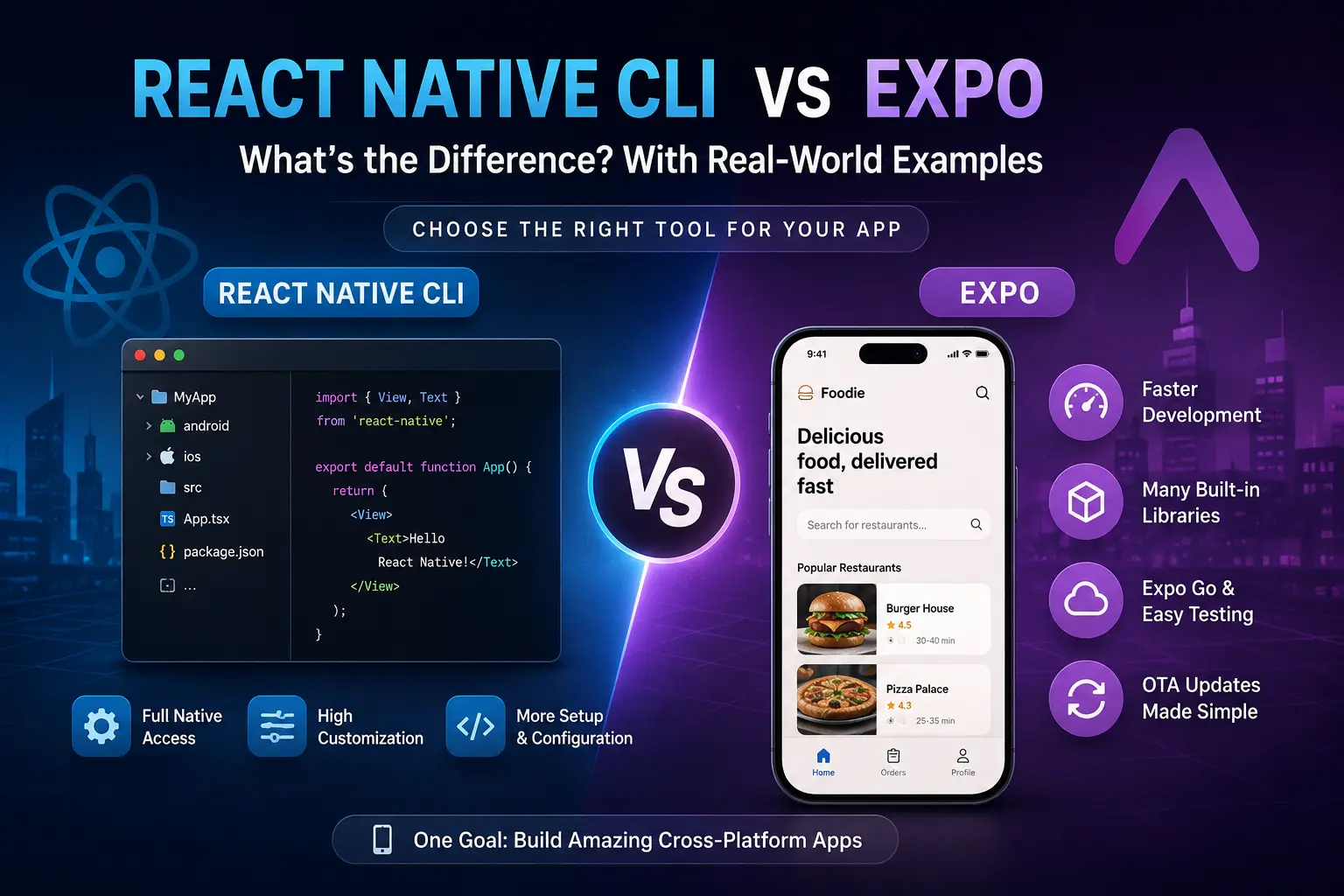
If you are planning to build a mobile application using React Native, one of the first decisions you will face is:
Should I use React Native CLI or Expo?
Both approaches allow you to build Android and iOS applications using React Native, but they provide different development experiences.
Choosing between them is not simply about deciding which one is "better." The right choice depends on your project's requirements, the amount of native customization you need, your team's experience, and how quickly you want to build and release the application.
Let's understand the difference with a real-world example.
What Is React Native?
React Native is a framework that allows developers to create mobile applications using JavaScript or TypeScript and React.
Instead of creating the same application separately using:
-
Java/Kotlin for Android
-
Swift/Objective-C for iOS
you can build much of the application using React Native.
For example:
import { View, Text } from "react-native";

function App() {
  return (
    <View>
      <Text>Hello React Native!</Text>
    </View>
  );
}

export default App;
However, React Native itself needs a development environment that connects your JavaScript/TypeScript code with native Android and iOS code.
This is where React Native CLI and Expo come into the picture.
What Is React Native CLI?
React Native CLI is the more direct approach to working with React Native's native projects.
When you create a React Native project using the Community CLI, your project contains native Android and iOS directories.
A typical project looks something like:
MyApp/
│
├── android/
├── ios/
├── src/
├── App.tsx
├── package.json
└── ...
The android directory contains the Android native project, while the ios directory contains the iOS native project.
This gives you a high level of control over the native side of your application.
For example, if you need to modify Android-specific configuration, you can work directly with the Android project.
Similarly, iOS-specific changes can be made inside the iOS project.
What Is Expo?
Expo is a framework and platform built around React Native that simplifies many parts of React Native development.
Instead of immediately dealing with native Android and iOS projects, Expo provides a collection of tools, libraries, development services, and workflows that make building React Native applications easier.
You can create an Expo application using:
npx create-expo-app@latest
A typical Expo project can initially look much simpler:
MyApp/
│
├── app/
├── assets/
├── components/
├── package.json
└── ...
Expo provides many commonly required capabilities through its libraries and development tools.
For example, applications commonly need:
-
Camera
-
Location
-
Notifications
-
Secure storage
-
Image picking
-
Sensors
-
Authentication
-
File system access
Expo provides libraries for many of these requirements.
The Main Difference
The simplest way to understand the difference is:
React Native CLI gives you direct control over the native projects, while Expo provides a higher-level development experience around React Native.
Think about it like building a house.
React Native CLI
Imagine that you are given the complete construction site.
You can modify:
-
Electrical systems
-
Plumbing
-
Structure
-
Materials
-
Internal systems
You have more responsibility, but you also have more control.
Expo
Now imagine hiring a construction company that provides many ready-made systems.
You can concentrate more on designing the house instead of manually configuring every underlying system.
You still have significant flexibility, but Expo handles many common development tasks for you.
Real-World Example: Building a Food Delivery App
Suppose you want to build an application similar to a food delivery platform.
Your application needs:
Food Delivery App
│
├── Login / Registration
├── Restaurant List
├── Food Menu
├── Cart
├── Payment
├── GPS Location
├── Push Notifications
├── Camera
└── Order Tracking
Now let's see how the two approaches differ.
Building It With Expo
With Expo, you can quickly start building the application's UI and functionality.
For example, you might install an Expo library for location:
npx expo install expo-location
Then use it inside your application:
import * as Location from "expo-location";

const getLocation = async () => {
  const { status } =
    await Location.requestForegroundPermissionsAsync();

  if (status !== "granted") {
    return;
  }

  const location =
    await Location.getCurrentPositionAsync({});

  console.log(location);
};
You don't need to manually implement the entire native integration yourself.
This can significantly reduce development complexity.
Building the Same App With React Native CLI
With React Native CLI, you can still implement location functionality.
However, you may need to deal more directly with native configuration depending on the library and your requirements.
For example, you may need to configure:
Android permissions
       ↓
AndroidManifest.xml
       ↓
Native dependencies
       ↓
Gradle configuration
       ↓
iOS permissions
       ↓
Info.plist
       ↓
CocoaPods
This gives you more control, but it also means more configuration and more things to maintain.
React Native CLI vs Expo
| Feature | React Native CLI | Expo |
|---|---|---|
| React Native development | ✅ | ✅ |
| Android development | ✅ | ✅ |
| iOS development | ✅ | ✅ |
| Easy initial setup | Moderate | ✅ Very easy |
| Native project access | ✅ Direct | Available when needed |
| Native customization | ⭐⭐⭐⭐⭐ | ⭐⭐⭐⭐ |
| Beginner friendly | Moderate | ✅ Excellent |
| Built-in development tools | Basic | Extensive |
| OTA updates | Requires your own solution | Expo provides tooling |
| Common device APIs | Libraries vary | Many Expo libraries |
| Development speed | Moderate | Usually faster |
| Native configuration | More manual | Often simplified |
| Best for custom native work | ✅ | Possible, but more involved |
The important point is that Expo is not simply a replacement for React Native.
Expo works with React Native and provides additional tooling and services around it.
What About Native Modules?
This is one of the most important considerations.
Imagine your company has developed a custom native Android payment SDK.
For example:
Your React Native App
        ↓
Custom Java/Kotlin Payment SDK
        ↓
Bank Payment System
Or perhaps your company has an iOS-specific native SDK written in Swift.
If your application needs highly customized native functionality, having direct access to native projects can be extremely useful.
In such cases, a React Native CLI workflow may be more comfortable.
However, modern Expo workflows are much more flexible than the old idea that "Expo means you cannot use native code."
Expo supports custom native code and native projects through its prebuild/development-build approach.
Therefore, the decision should not be based on the outdated idea that:
"Expo cannot use native modules."
The real question is:
How much native control and configuration does my project require?
When Should You Choose Expo?
Expo is a great choice when you want to:
-
Start a project quickly
-
Build a prototype
-
Create an MVP
-
Develop a startup application
-
Build a portfolio project
-
Build a standard business application
-
Use common device capabilities
-
Reduce native configuration
-
Simplify development and deployment
For example, suppose you are building a startup MVP:
Startup App
   ↓
Login
   ↓
Dashboard
   ↓
Products
   ↓
Cart
   ↓
Payment
   ↓
Notifications
You probably want your developers spending their time building the product rather than troubleshooting Gradle, CocoaPods, and native configuration.
In that situation, Expo can be an excellent choice.
When Should You Choose React Native CLI?
React Native CLI can be preferable when your project requires substantial native customization.
For example:
Enterprise Application
       ↓
Custom Bluetooth Hardware
       ↓
Custom Native SDK
       ↓
Background Processing
       ↓
Special Android Integration
       ↓
Custom iOS Framework
If your team needs to frequently modify native Android or iOS code, direct native project access can be valuable.
React Native CLI is also useful when your organization already has established native Android/iOS infrastructure and wants React Native to integrate deeply with it.
Which One Is Better?
There is no universal winner.
A better way to think about the decision is:
Do I need React Native?
        ↓
      Yes
        ↓
Do I need significant native customization?
        ↓
   ┌────┴────┐
   │         │
  No        Yes
   │         │
 Expo    CLI / Expo
         with native
         customization
For many new applications, starting with Expo is a sensible choice because it allows you to move quickly.
If your requirements later demand deeper native customization, Expo's modern workflow can allow you to introduce native projects and custom native code rather than necessarily abandoning Expo altogether.
A Simple Real-World Analogy
Think about React Native CLI as driving a manual car with full access to the engine.
You can control almost everything, but you need to understand more about how the car works.
Think about Expo as driving a modern car with many systems already configured for you.
You can focus on getting to your destination instead of manually managing every internal component.
Neither approach is inherently better.
The right choice depends on the journey you are taking.
Conclusion
React Native CLI and Expo are two different ways of working with React Native.
React Native CLI gives developers direct access to native Android and iOS projects and is particularly useful when extensive native customization is required.
Expo provides a more streamlined React Native development experience with a large collection of tools, libraries, and services that can make development significantly easier and faster.
For beginners and many standard applications, Expo is an excellent starting point.
For applications that require deep native integration, custom native SDKs, or extensive control over Android and iOS projects, React Native CLI—or an Expo workflow with native customization—may be more appropriate.
The important thing is not to ask:
"Which one is better?"
Instead, ask:
"How much native control does my application actually need?"
That question will usually lead you to the right choice.